
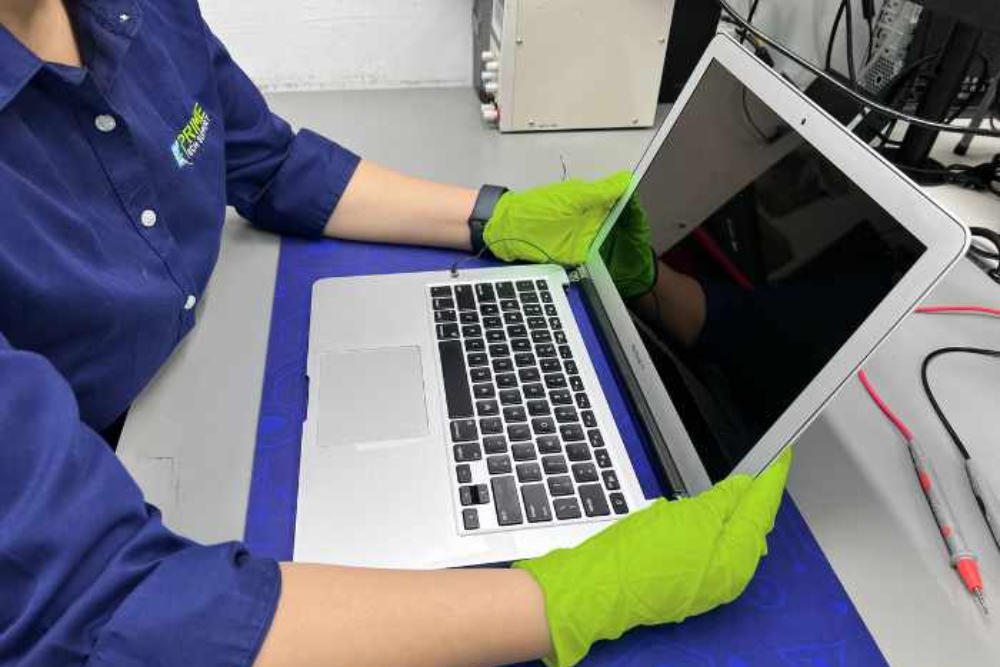
MacBook Data Recovery Tips After System Failure
A sudden system failure on your MacBook can be stressful, especially when important files, photos, business documents, or personal data become inaccessible. Whether your device freezes, won’t boot properly, or shows the Apple logo repeatedly, acting quickly can improve the chances of successful data recovery. If you are searching for reliable MacBook repair Banstead or MacBook repair Wallington, professional help can save both your device and valuable data.
At Mobile Fix Wallington, experienced technicians provide trusted MacBook repair and recovery solutions for various Apple devices.
Common Causes of MacBook System Failure
Several issues can lead to MacBook system crashes or data loss, including:
- Failed macOS updates
- SSD or hard drive damage
- Water or liquid spills
- Overheating problems
- Malware or corrupted files
- Logic board failure
- Unexpected shutdowns
Understanding the cause of the issue helps determine the best recovery solution.
Important Data Recovery Tips
- Stop Using the MacBook Immediately
If your MacBook starts behaving abnormally, avoid repeated restarts or installing new software. Continued use may overwrite recoverable data and worsen the problem.
- Check for Backup Availability
If you use Time Machine or iCloud backups, you may be able to restore your files easily. Connecting an external backup drive can help recover lost documents and photos quickly.
- Use macOS Recovery Mode
MacBooks include a built-in recovery mode that can help repair startup disks or reinstall macOS without deleting files. Restart the MacBook and press Command + R during startup to access recovery tools.
- Avoid DIY Hardware Repairs
Trying to open the MacBook yourself may cause additional damage, especially in newer MacBook models with sensitive internal components. Professional repair technicians have the proper tools and expertise for safe recovery.
- Seek Professional Data Recovery Services
When the MacBook fails to boot or the SSD becomes inaccessible, professional recovery services are often the safest option. Experts use advanced tools to recover data from damaged drives and faulty systems.
Why Choose Professional MacBook Repair Services?
Professional repair centres can diagnose issues accurately and provide safe repair solutions. Whether it is a damaged motherboard, failed SSD, or software corruption, expert technicians can often recover important data while repairing the MacBook.
Customers looking for dependable MacBook repair Banstead and MacBook repair Wallington trust experienced technicians for:
- Fast diagnostics
- Screen and battery replacement
- SSD and storage repair
- Water damage repair
- macOS troubleshooting
- Secure data recovery services
Keep Your Data Safe in the Future
To avoid future data loss, follow these simple precautions:
- Regularly back up files using Time Machine
- Keep macOS updated
- Avoid overheating your MacBook
- Use antivirus protection
- Handle your MacBook carefully around liquids
If your MacBook has stopped working or you have lost important files, professional repair services can help restore your device and recover your data efficiently. Contact Mobile Fix Wallington for trusted MacBook repair and recovery support.